Desertcart purchases this item on your behalf and handles shipping, customs, and support to Congo.
⚡ Print Fast, Print Smart, Print Like a Pro!
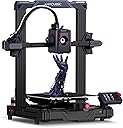
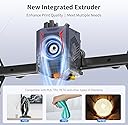
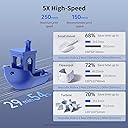
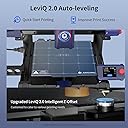
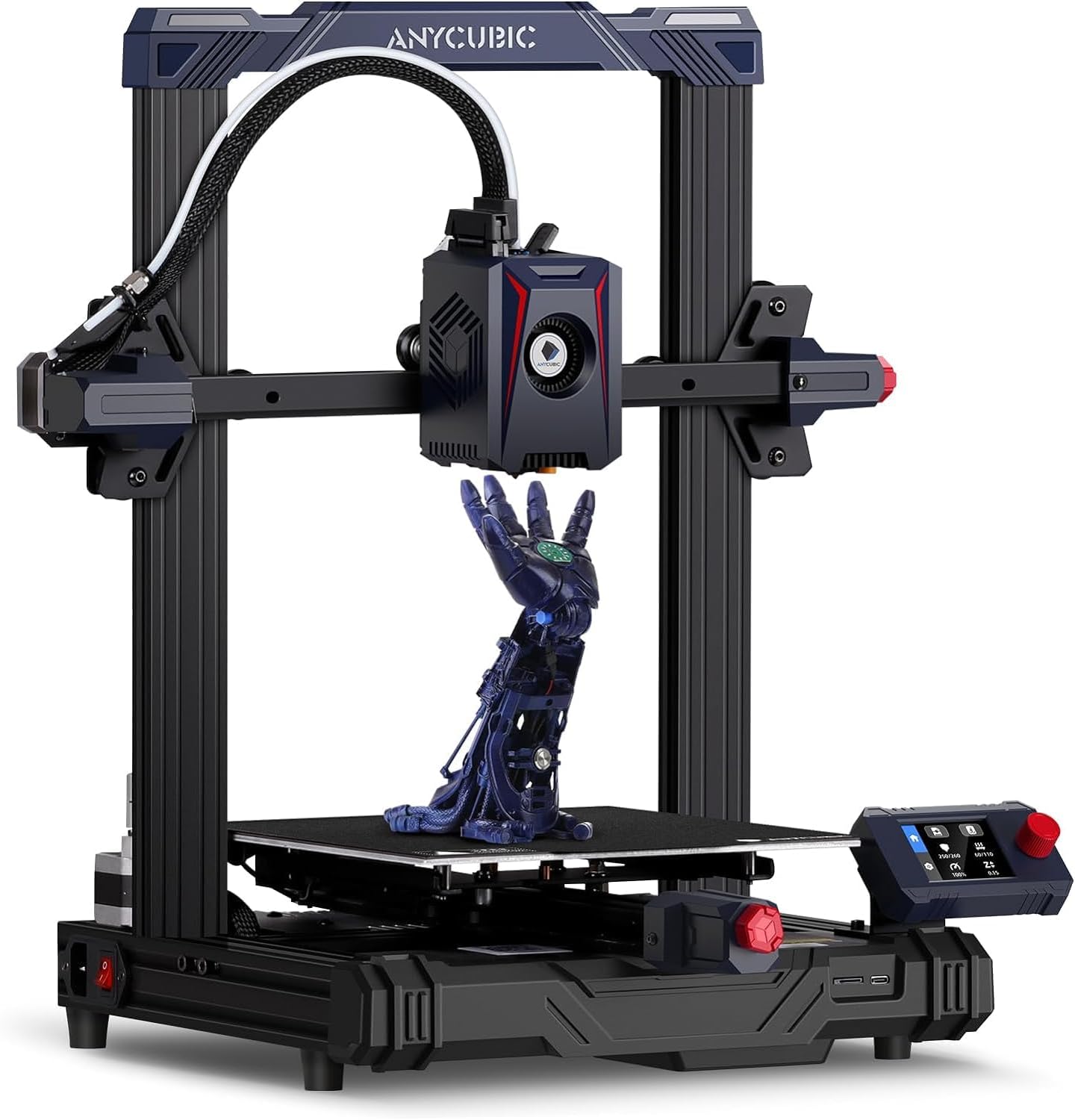
The Anycubic Kobra 2 Neo is a high-speed, beginner-friendly 3D printer featuring a 250mm/s max print speed, a powerful 60W integrated extruder with advanced cooling, and LeviQ 2.0 auto-leveling for precise, hassle-free printing. Its compact 8.7"³ build volume, intuitive touchscreen, and smart safety features make it the ideal choice for professionals and hobbyists eager to accelerate their creative workflow.


| Brand | ANYCUBIC |
| Colour | Black |
| Compatible Devices | Personal Computer |
| Item Weight | 7 Kilograms |
| Material | Metal |
| Product Dimensions | 22D x 22W x 25H Centimeters |
C**N
Very Good
Using for two years now. Highly satisfied
W**.
Beginners friendly printer.
After 3to4 months it's working properly, best for the beginners, print quality is good , some times i facing the problem of "Resume printing", otherwise it's ok.
D**A
Printer quality
It's very nice printer for beginners. Printing quality is good and fast...
N**V
Faulty and Damaged product By Amazon
When I have Recieved 3d printer it was faulty and damaged it's nozel is touched to plastic part and its get melted and clearly visible on printer , Major issue with the printer is it's y axis motor is always rotating in opposite direction during auto calibration and making noice and failure message shows on display, during unboxing found that it's some of the plastic tie was open already and display cover was also not their means it was previously opened. I don't know what the company is doing in final quality check ? And as Amazon prime costomer i very unsetsfy with this kind of service. Please give quality check QC passed and New product to coustomer it's amazon responsibility as well how your are handling prime costomer that shows.
S**L
Good budget printer
This a very good printer in a budget. Auto leveling works like a charm. I am a master's student in AI ML, I needed this for my robotics projects. I have worked on a bigger printer in my institute so I already had a knowledge how to operate this. I recommend to have a knowledge of 3d printing and designing softwares like autocad and solidworks. For cura slicing settings and z - axis calibration you can reach me out on Instagram - @itssahilz. I printed some tiny parts to test precision and beleive me this one prints better than the one worth 5 lakhs in my college. Don't go with negative reviews. These people don't know about the machine and it's setup. The setup is very easy and straightforward.
L**H
Good product
Value for money, be carefull while assembling, its a very good product, i have got amazing results. I have used it for 4 weeks.
P**R
Day one review (edit after one week)
Assembly: Straightforward, took under an hour to assemble First print: Printed the spider that came in the SD card, took about 20minutes for this print, during printing I had a brief (about 10seconds) power cut and fortunately could test the resume printing functionality which worked well. Print quality: Is reasonably okay for a printer of this cost. Possible issues based on first print: Lot of vibration in the printer, maybe need to adjust the print speed to address this. The autolevel feature did not result in the best possible z offset, the extruder seemed too close to the bed which resulted in some printing issues but that can be manually adjusted. Additional learning after week 1: You need to be very careful with the filament tube and check the pneumatic push coupler where you insert the tube to confirm that the push mechanism is working properly. If it doesn't work and you pull the filament tube out too much you will not be able to push it back in! Mine was faulty and got a replacement after figuring out the malfunction.
C**I
Best 3D Printer at this price.
This is the best printer at this price. I didn't knew Auto Bed Levelling is a boon, the value of which will only be understood by those who suffered with older models. I recommend buying 1-2 additional extruders along with the printer, also get the Nozzles along with the printer, if I were marketing, I would have listed those products along with the Printer, alas common sense is not so common anymore. You will get all the problems like bed shifting, stringing, webbing, etc., everything can be resolved, just check out the settings used by established 3D Printers on Youtube, also get help from Reddit.
P**R
Buenisima
Súper fácil de usar, es una impresora perfecta para principiantes el echarla a andar no me tomo mucho tiempo, eso si le construí una base con un mosaico y unas pelotas de goma como soporte que me recomendó un amigo para reducir las vibraciones y mejorar la calidad de impresión. El resultado fue excelente.
M**R
This review is for the noobs and parents trying to be cool
I had zero experience 3D printing before buying this. I was told by a friend that getting an auto leveler would be best and MAN IS IT. This is a great printer. Pretty idiot proof lol. SET UP: super easy and very clear instructions. If your printer turns on but the screen does not work, you just have to switch the voltage (w/e it’s called) for the power. Save you some googling there lol. The Z-offset will be crucial and sometimes takes some adjusting. Mine lives at about -0.85 so don’t be scared to adjust it. PRINTING: It comes with a tiny memory card and USB stick. Here’s how you print after you’ve done the owl test print. - Put memory card in usb and plug into computer - Open a file sharing 3D model site such printables(dot)com and search through things you’d like to print. I’d recommend reviewing how many files before clicking download all as some are different sizes or interchangeable options. This printer uses g code so any file like that should be ready to print. However, most files are in STL (I’m a noob, idk what printers use that lol). - Once g codes are downloaded, just drag and drop to your usb memory stick - (skip if downloaded g codes) If you downloaded another file type, you will have to splice it. You can do so by downloading a program called Ultimaker Cura and opening the file in there. You can duplicate, adjust size, add supports, adjust filament fill, etc. but most importantly, change to g code. This will take some getting used to but it’ll work. - Once usb is loaded up and properly ejected (right click usb and click eject), put the memory stick back in the printer. - Turn on and start printing! Recommendations: as you are getting the hang of printing, always hang out at the beginning so you can make sure it’s printing well. Any files that you don’t manually splice may not come with supports so if it prints badly, it’s probably the file #wallewithpot2023 lol. You can adjust the z-offset while printing and it’ll help if it’s not looking right. PROS: ease of use, auto level, ease of setup, prints great, display shows percentage completed CONS: does not connect to a phone app, uses a lesser common file type (but able to reconfigure), doesn’t connect directly to computer unless you buy a cable BEST FILAMENT: Anykubic sells a rainbow filament for this printer and it’s GORGEOUS (see photo of dragon). We have also tried another brand that’s blue on one side and green on the other. Print on that is hit or miss but looked great on a fidget.
D**8
For me, wow!
I purchased another very popular brand (3 Pro) over a year ago on Amazon and struggled with it from day 1. I purchased every upgrade available for that printer (3 Pro) including the self leveling kit. I stuck it in a corner out of frustration for 6 months. I decided to get it out recently and try again after spending some time reading forums and newer setup instructions. I thought I had it working, that was until I did something as simple as change the filament (same type, and brand) to white from black. Never could get it to print properly again. That printer (3 Pro) is now in the dumpster (I did pull off the good parts before pitching it). So I started researching again 3D printers. After a few reviews on the most popular self publishing video channel on the interweb (I am not using product names, because the last time I named names, amazon would not publish my review), I decided on the Anycubic Kobra (I wanted a Vyper, but this was cheaper). Took me about 30 minutes or less to assemble (huge improvement over the 3 Pro). The instructions are mostly in English that you can actually read and follow with pictures (woohoo!). I followed the steps, and printed my the Owl on the included microSD card and again, WOW it printed! That is all I ever wanted from a 3D printer :) After spending the past month learning a popular 3D design software, I feel confident that I can finally put ideas to printer. So far, each of my simple designs have come out at the least, as hoped. Oh and it is extremely quiet compared to the previous printer and prints in half if not less than half the time of the previous printer. Screw that other popular printer maker.... Sorry, I had to get that out (Don't deny my review Amazon). Very pleased with the Kobra.
E**Z
CHULADA!
UNa maravilla, no he tenido problema alguno eh estado imprimiendo todos los dias desde que llego, super facil de usar, de nivelar, es toda una maravilla.
B**B
Poor customer service/ no replacement parts
My kobra worked well and produced very nice prints for three days but made a noise from the extruder, I contacted anycubic and was told they would "SELL" me a new extruder for my 3 day old kobra when they got them in stock. That was 7 weeks ago and now that the return window is closed contact with anycubic has stopped as well (I was told they would email me but they never did) and the printer has stopped working. I searched the internet for the extruder and was not able to find an one anywhere. I was able to replace a defective bearing in the extruder with an r/c bearing to get it working again. I wish I had purchased an Ender instead, they are priced more reasonably and original parts are readily available as well as a large assortment of aftermarket parts. As of now no aftermarket parts are available for this printer except for hotends. I will never buy another anycubic product again. So unless you are ok with buying replacement parts for a NEW printer (if you can find any) I would avoid this company. Extruders for this printer are still unavailable. If you already have a kobra I wish you luck finding parts, hopefully an aftermarket Co. will begin producing the parts for this printer that anycubic does not. **Update ** My Kobra failed March 20th and I still can't get a replacement extruder from Amazon or the Anycubic store, it's been 4 months now and there is no expected date for the replacement parts to be in stock according to anycubic. There's a Kobra II on the market now and I believe they may have decided not to support the junk first model at all. I'm very disappointed with this co. and this product. Happy Printing Bob
Trustpilot
2 months ago
1 month ago