👑 Rule Your Rig with the Z790 AORUS ELITE AX – Power, Speed & Style Unleashed!
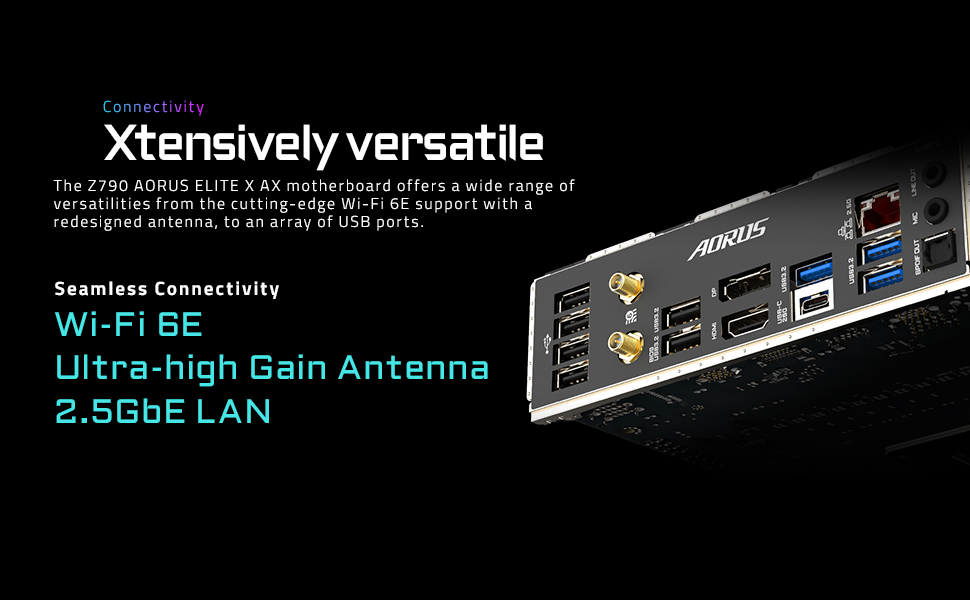
The GIGABYTE Z790 AORUS ELITE AX is a premium ATX motherboard designed for Intel 12th, 13th, and 14th Gen processors, featuring a robust 16+1+2 power phase design, DDR5 memory support, four PCIe 4.0 M.2 slots, USB 3.2 Gen 2x2 Type-C, WiFi 6E, and 2.5GbE networking. Engineered for high-performance gaming and professional workloads, it combines cutting-edge connectivity, advanced thermal solutions, and user-friendly features like Q-Flash and EZ-Latch for a stable, future-ready build.


| ASIN | B0BH9DXY38 |
| Best Sellers Rank | #18 in Computer Motherboards |
| Brand | GIGABYTE |
| Customer Reviews | 4.3 4.3 out of 5 stars (1,977) |
| Date First Available | October 20, 2022 |
| Item Dimensions LxWxH | 13.18 x 10.62 x 3.14 inches |
| Item Weight | 4.35 pounds |
| Item model number | Z790 AORUS ELITE AX |
| Manufacturer | GIGABYTE |
| Memory Speed | 4400 MHz |
| Number of USB 2.0 Ports | 2 |
| Processor | core_i7 |
| Product Dimensions | 13.18 x 10.62 x 3.14 inches |
| RAM | DDR5 |
| Series | Z790 AORUS ELITE AX |
| Wireless Type | 802.11ax |
P**A
Top End Quality - High End Look
Gigabyte Aorus PRO ICE - If you have not seen any of these ICE boards offered by Gigabyte then you are in for a real treat. These are high end boards from Gigabyte and it shows! The PCB is white, connectors are white, silver accents... this thing really feels at home in an "ICED OUT" build! The Z890 variant I have comes with an enormous amount of connectivity via 10 (!) USB Ports, 2 Thunderbolt 4 Type C with DP, WiFi 7, and 5G LAN! Huge VRM Heatsinks for stable OC, 4 DIMM Slots, 3 PCIe Slots, Internal HDMI for those internal LCD panels, RGB Headers, 8 PWM Fan Headers, Front USB 3 connectivity and 5 m.2 slots... the list goes on! This is a fully featured chipset motherboard. The really special items on here is the heavily reinforced PCIe GPU slot, this is surrounded by metal, cushioned with rubber AND anchored to the back with a plate that spans the entire slot! This is WAY more structure than you see on most "armored slots" on the market. This may sound silly, but with GPUs in the 50 Series weighing 2-4Kg... this is not a bad thing to have on your motherboard! They also extended this treatment to the two main DIMM Slots... while not as reinforced, they are nicely armored to prevent damage or bending. Z890 is for the new Intel Core Ultra 200 series, I paired mine with the 265K and this thing is a beast! Runs cool and rocks productivity! Once all the latest drivers and firmware was rolled out, this thing REALLY started pushing even more! Intel added more PCIe lanes so that you dont have to sacrifice as much as other brands or platforms when using a PCIe 5 NVME and GPU. Which is think is underrated. You really need to keep track of where your board and platform bifurcates its PCI Lanes from direct CPU and the chipset. So far this has been an extremely stable board for me, I can't say enough about the Stability, because all of the above is nothing if the board does not keep your system in check and trouble free. I have run FOUR DIMMS of 6400 DDR5 on this board with perfect stable timings. Gigabyte even offers you an "AI OC" option that will test and suggest the best overclock for a stable system, you can also do this with your CPU OC as well as GPU (if you own a Gigabyte GPU, which you should!). I have included a photo of the ICE BEAST as I like to call it. Along with plenty of great MoBo photos to get you excited.
B**N
Sturdy, better than expected, works first try.
Putting together a computer can involve accidental abuse of components. You slide around the motherboard trying to get it lined up, you press a little too hard in some areas, you exert too much pressure trying to get the CPU cooler on. You screw things in too tight. Stuff happens. Installing this thing, I was a bit rough, but this thing didn't even care. It took the punishment and worked great first try. I wanted to do a q-flash plus on it before first boot because I'm running an i9-14900kf. So it was only barely half assembled when I pushed the q-flash button. I half expected it to not work at all, but it worked first try! Aaaand then after the flash it tried to boot, which was only bad because I hadn't installed the CPU cooler yet, but hey, the bigger take away is that technically it booted first try. So then I assembled everything else, again I was a bit rough in the process. Again it worked first try when it was all finished. Build quality is really good, this is clearly a premium board. It auto detected and set up all my fans and my pump, which was nice. I wasn't sure how the pump thing was going to work. I plugged my AIO pump into the system fan/pump connector, and it just worked first try, no setup required. That's what you get when you pay for a board like this, it actually works first try with no setup. Aesthetically it looks nice in person, but maybe not as nice as the back mount boards, but still nice. The connectors for fans and power and all that run along the bottom which is okay I guess, although it made cable management a little weird. In terms of value for money, this thing does cost a lot of money, so I wouldn't call it a value, but I will say you are getting what you paid for. You're paying for a $300 motherboard, and you're getting a $300 motherboard, it is exactly what you're paying for, it is quality, and you're paying for that quality. It is very nice, and I have no regrets.
C**C
Nice upgrade with a great board
Absolutely fantastic motherboard. Easy to quick tweak settings in BIOS or go all out with access to complete voltages and timings. I am all about performance and this board has it. Im using a Ultra 265k and one bench is using a 5070 card and the other 2 are using a 5070TI for reference. Great quality board and another great board from Gigabyte. To be fair, I am a Gigabyte only person anymore. Easy to set up and configure. I will say that I did not see any performance decrease when using the GPU in gen5x16 with a Gen5 NVME. The newer Ultra chips have more PCI lanes so you dont have to worry about any performance caps when using both. This is a solid board with great performance, lots of fan headers and ARGB connectors as well as a built in Thunderbolt 4 which can also provide a 20Gb network connection. Everything is solid and works great.
W**E
Very good purchase runs my i9 14900k straight out the box no need for bios update has multiple argb headers for the ppl that like their machine lit up. Handy that the board has 5 x m.2 slots for lots of storage all in all a very good purchase
R**K
the packaging had no damage but on unboxing the product. I found out the Ram clipping lock and the Gpu lock broken. Did not expect a product like Gigabyte will deliver such poor quality.
G**N
Arrived in good time!
T**A
Otima praca mãe atende a tudo que eu preciso
C**N
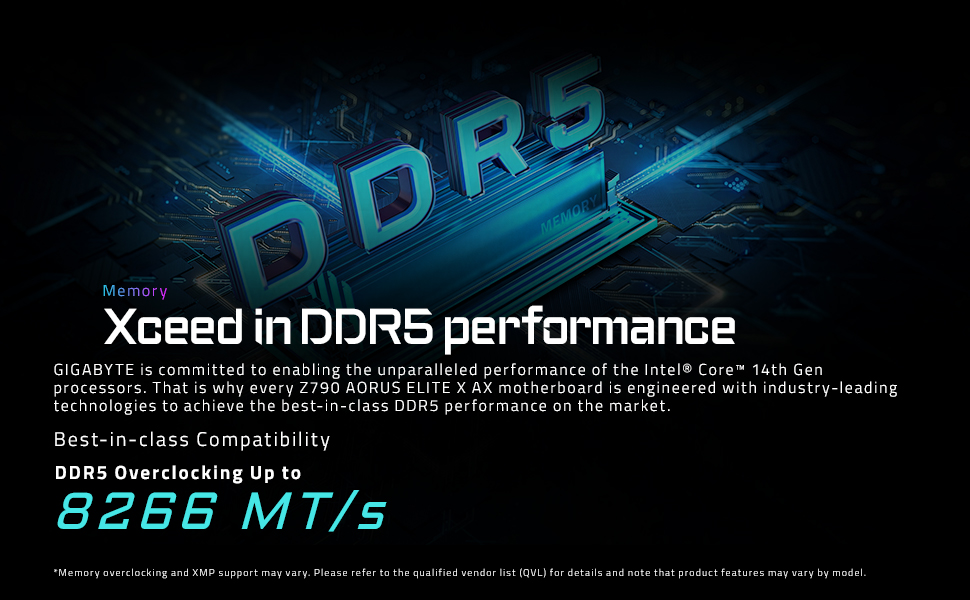
Pretty Good Motherboard, it is running well my i9 14900kf. However, it is saying that can support 8266MT, my Ram is 8000MT and the pc didn’t boot, it kept training memory in a infinite loop, then I switched to a more stable frequency of 7200MT + CL36, I’m on the latest version of bios, so if you intend to put 8000MT on it keep aware of that situation
Trustpilot
1 week ago
2 months ago