We remain fully operational. Our teams are working around the clock to ensure your deliveries continue safely.

DOWNLOAD THE APP


Customer Services
Copyright © 2025 Desertcart Holdings Limited
DOWNLOAD THE APP
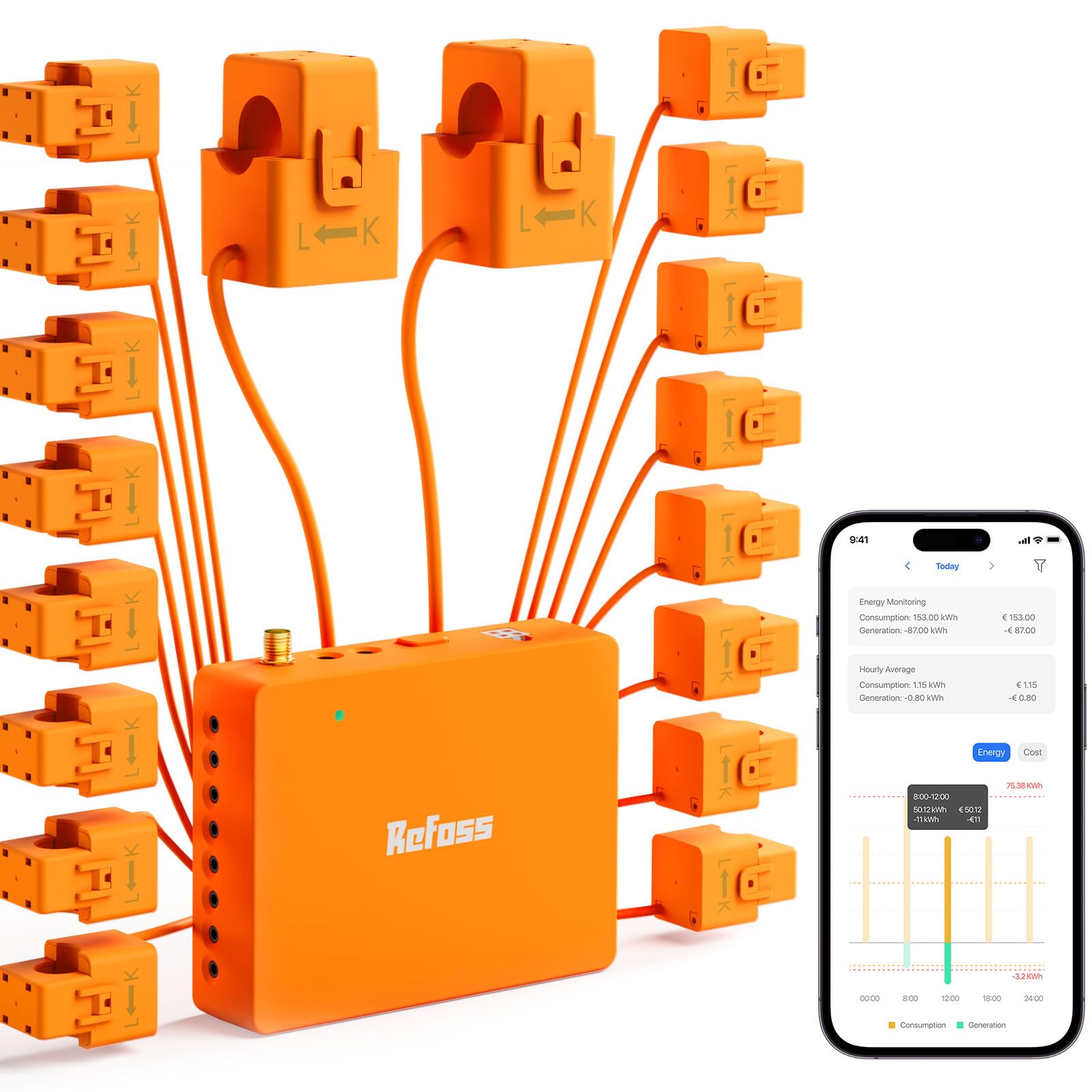
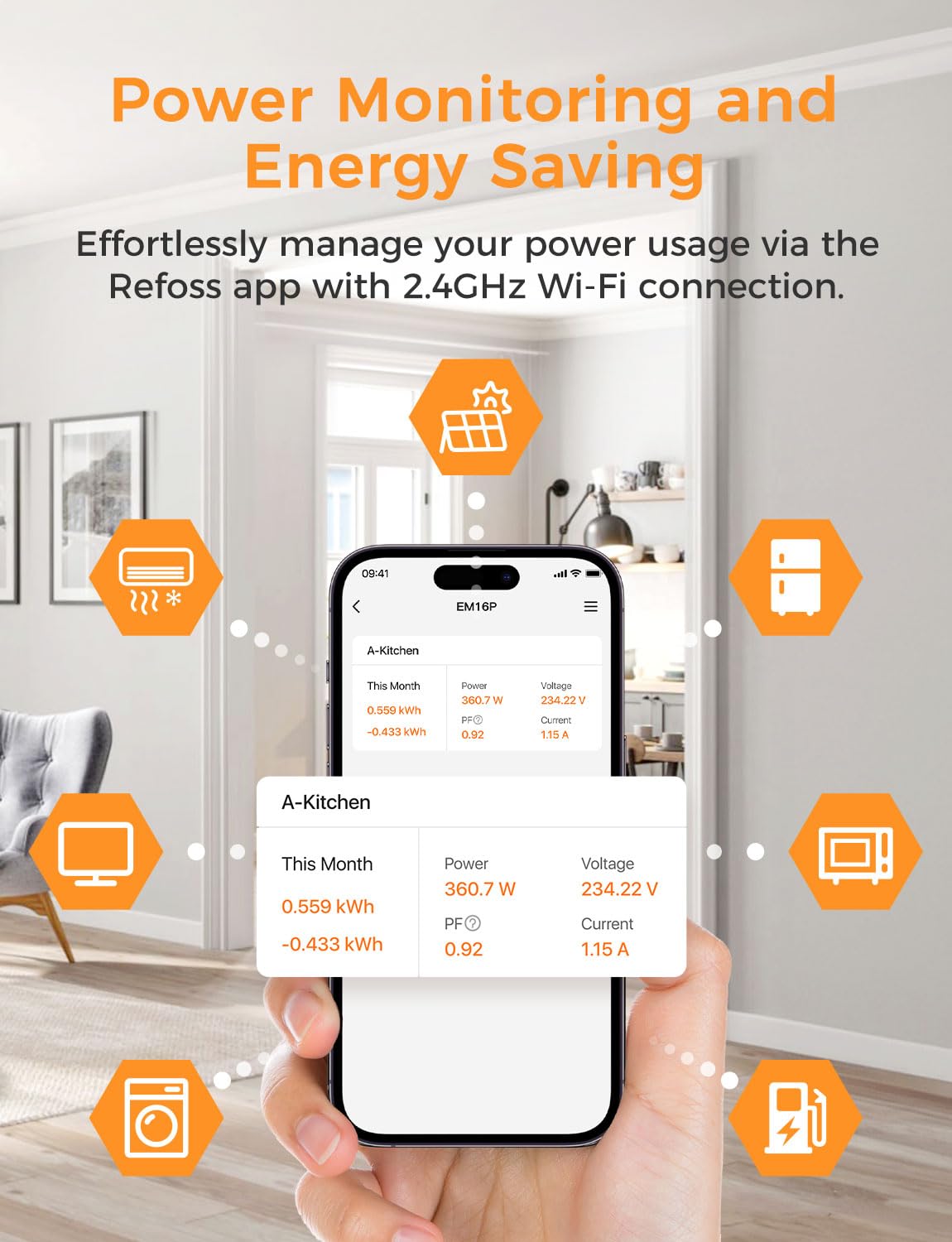
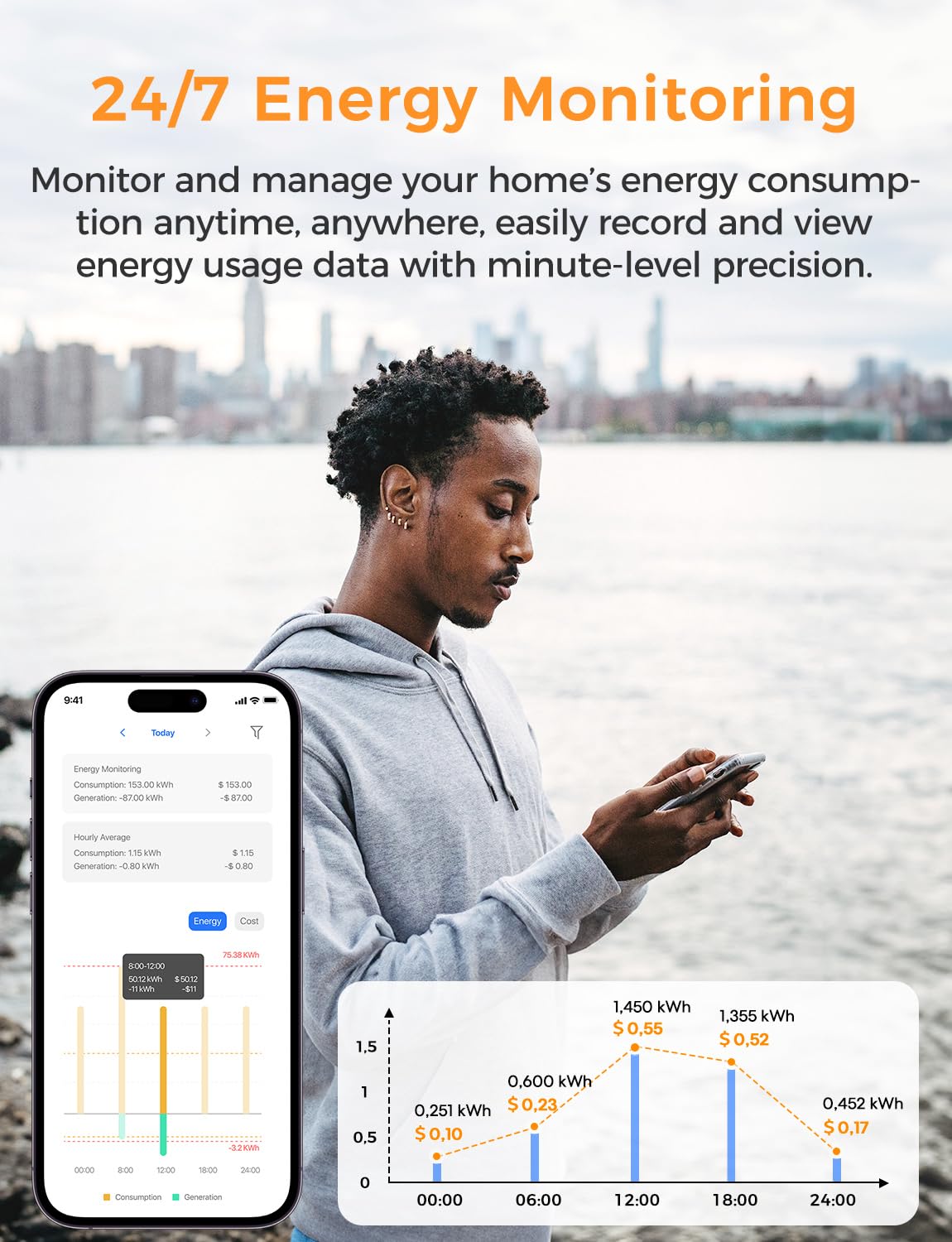
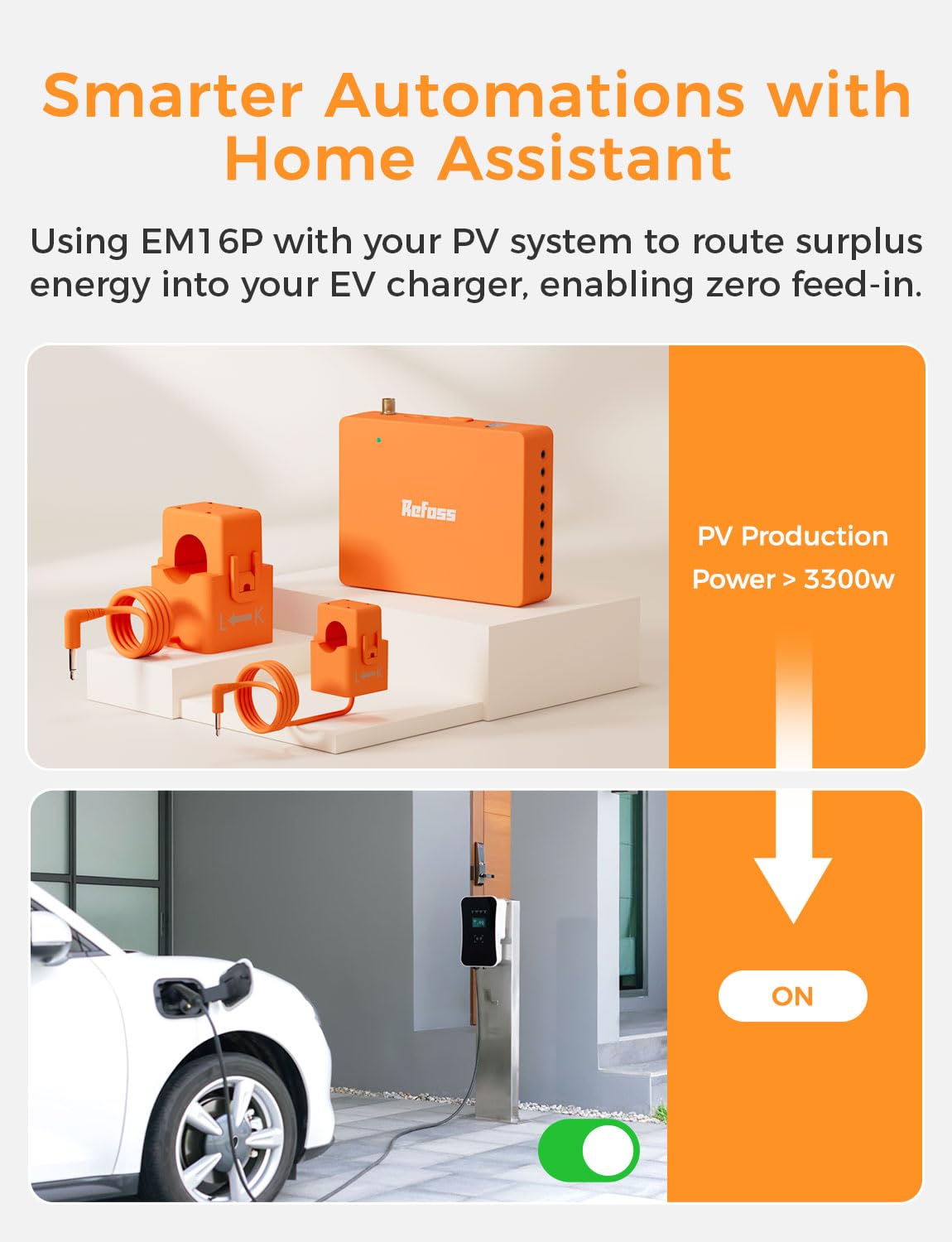
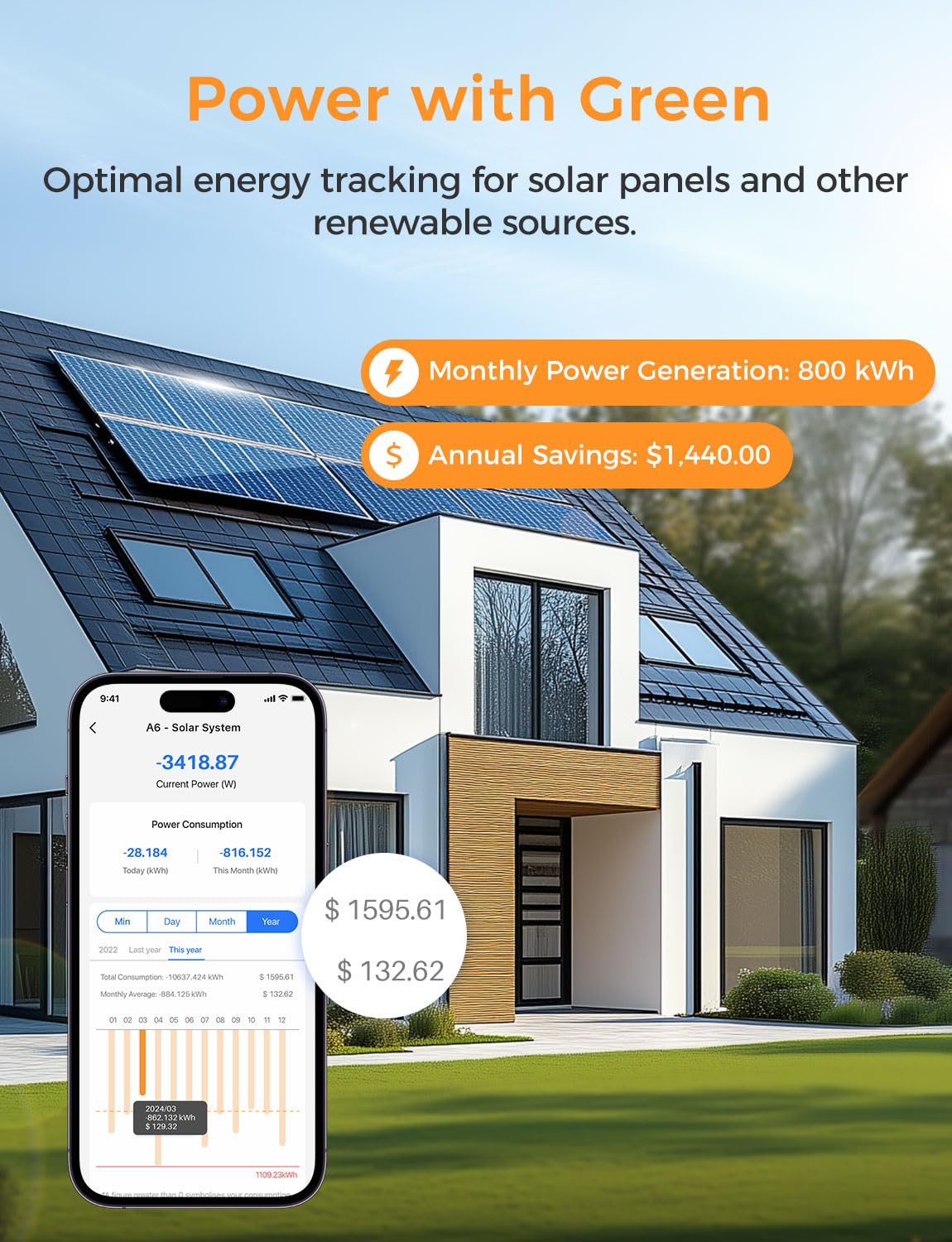



⚡ Empower your home, save your planet, and never miss a watt!
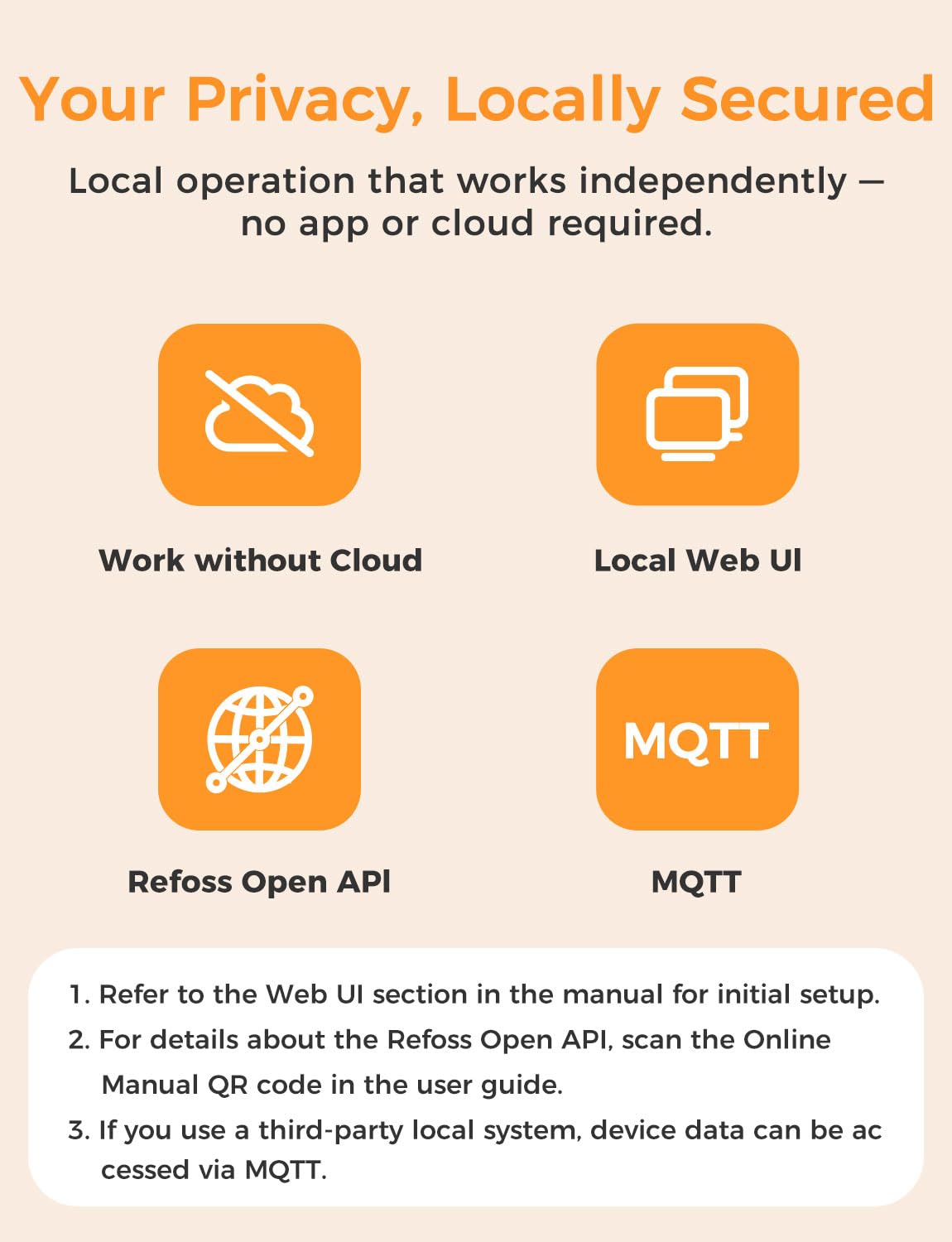
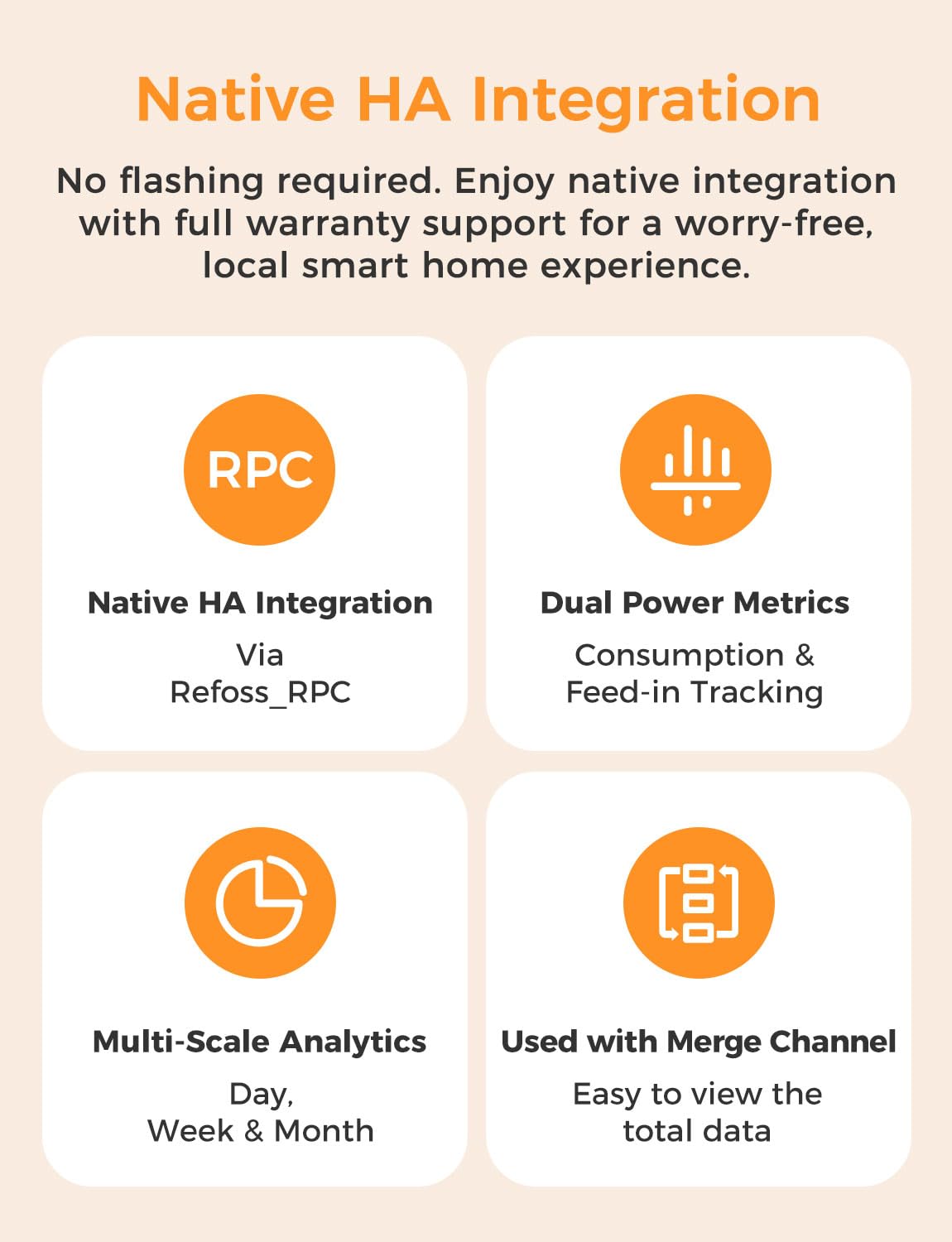
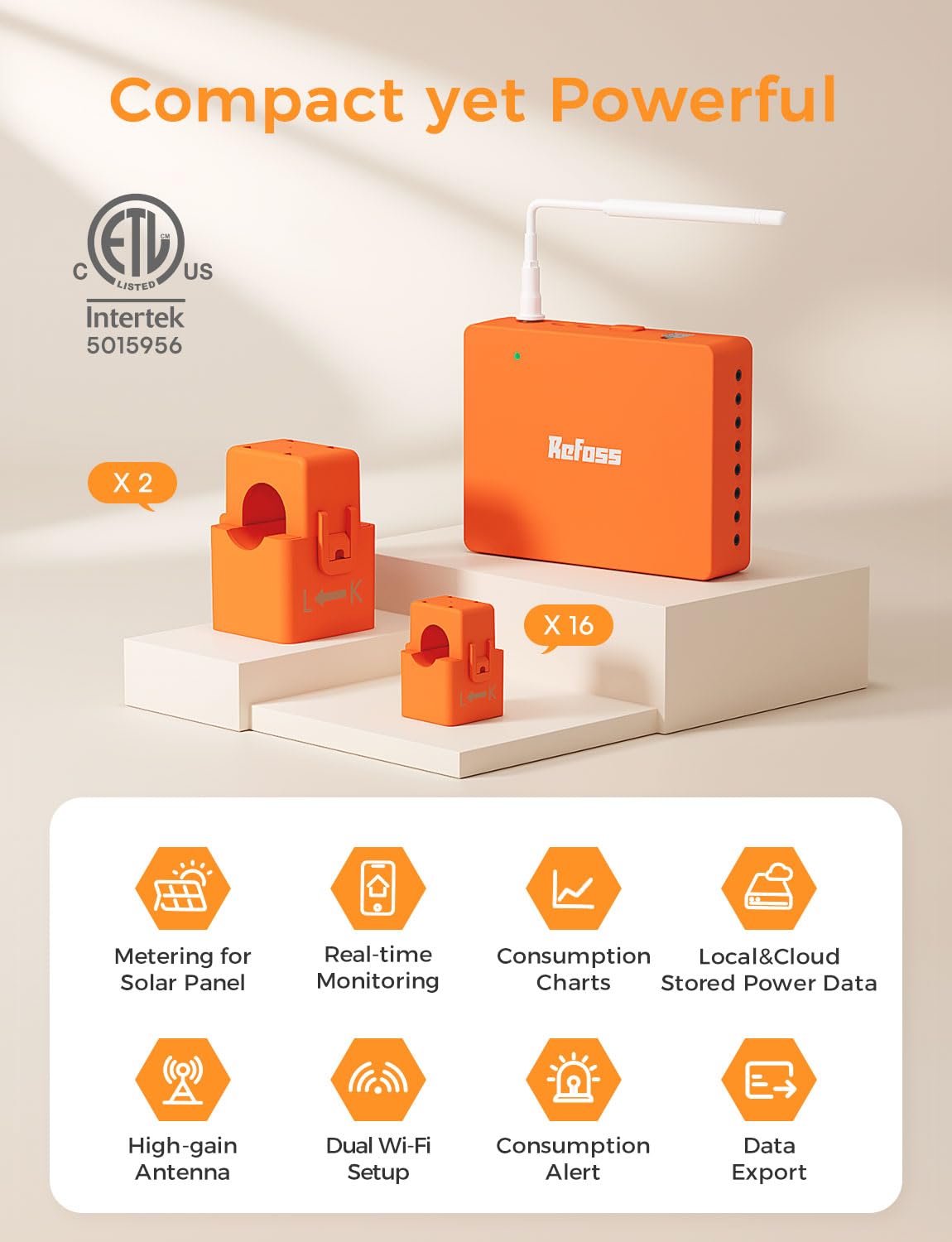
The Refoss EM16 Smart Home Energy Monitor delivers ultra-accurate, real-time tracking of your entire home's electricity usage with ±1% precision. Designed for privacy-conscious users, it offers local data access via Web UI, Open API, and MQTT—no cloud needed. Perfect for solar homes, it intelligently maximizes solar self-consumption by automating high-energy appliances during peak production. ETL certified and easy to install with clamp-on sensors, it supports up to 2 main circuits and 16 branch circuits, integrates natively with Home Assistant, and stores detailed energy data for up to 5 years. Ideal for professionals seeking control, savings, and smart home synergy.


| ASIN | B0DJNV3GPR |
| Batteries Included? | No |
| Batteries Required? | No |
| Best Sellers Rank | #196,694 in Tools & Home Improvement ( See Top 100 in Tools & Home Improvement ) #35 in Home Automation Modules |
| Color | Orange+White |
| Customer Reviews | 4.4 4.4 out of 5 stars (209) |
| Date First Available | October 31, 2024 |
| Included Components | Home Energy Monitor, WiFi Antenna Assembly, 200A Current Transformers x 2, 60A Current Transformers x 16, 3.5mm Insulation Plugs x 2, 2.5mm Insulation Plugs x 16, Wire Nuts x 3, Extra Wires x 3, Wire Harness, User Manual |
| Item Package Quantity | 1 |
| Item Weight | 4.27 pounds |
| Item model number | EM16 |
| Manufacturer | Refoss |
| Part Number | EM16 |
| Product Dimensions | 4.5 x 3.48 x 1.1 inches |
S**E
Great Whole-Home Energy Monitor with Home Assistant Support!
I’ve been using the Refoss Smart Energy Monitor for a week now, and I’m thoroughly impressed. One of the standout features is its local integration with Home Assistant, which is precisely why I chose this energy monitor. The instructions were straightforward, and the video on the Amazon listing was particularly helpful, guiding me through the entire installation process. It should be relatively easy for anyone with basic electrical knowledge and some handy skills. However, I recommend doing some pre-planning before installation to determine which circuits you want to monitor. There are five L1 circuit sensor, five L2 circuits sensor, and six circuits sensor that can be used on either L1 or L2. You’ll need to choose one or the other. Additionally, you can combine some circuits and use one clamp for them, as long as they don’t exceed the current limit of the circuit sensor. For instance, I combined two kitchen outlets into one, saving me a sensor I used for monitoring a different. For balanced 240V loads like an AC unit or an EV charger, you can use one clamp and then change the circuit factor to 2 in the Refoss app or create a helper in Home Assistant that multiplies the energy usage by 2. This is because with balanced loads, the energy drawn on both lines is the same, which is why it’s called a balanced load. This way, you can save a sensor to monitor another circuit. I highly recommend making a note of which sensors are connected to which circuits to avoid wasting time trying to remember where you connected them. Setting up the energy monitor on the app was a breeze. I simply downloaded the Refoss app, followed its instructions to connect it to Wi-Fi, and updated the software of the energy monitoring module. The Refoss app allows you to monitor live energy usage for each connected circuit and view a history of energy usage for each circuit, broken down by day, week, month, and year which is awesome for using the app on its own. Connecting to Home Assistant was equally easy. I searched for the Refoss add-on, and the energy monitor was automatically detected on my network. It brought over all the entities shown in the Refoss app and then I got to setting up everything in home assistant. Overall, I highly recommend this affordable and reliable whole-house energy monitoring system. If you use Home Assistant, this is one of the best options out there that is supported natively through the Refoss addon.
K**.
Super Easy to Install, Excellent App, and Works Great with Home Assistant
I couldn’t be happier with the Refoss EM-16! I love having a smart home and I enjoy adding tech that makes our lives easier, is simple to use, and just makes sense. I shopped around for an energy monitoring system for a while and decided the Refoss EM16 was the way to go. This was the right choice! The installation was far simpler than I expected. The included headphone-jack style connectors made wiring a breeze — no tiny screws or fiddly clamps to deal with. I had read reviews that talked about the extra wire since these can’t be trimmed, but as you can see in the before and after photos of the breaker panel, the slack is easily manageable. Refoss labels all the clamps to make attaching clamps and connecting to the unit a breeze. I took my time to be cautious, and I was still able to hook everything up and have it running in two hours, without any special tools. The EM16’s connection to my WiFi is strong and it hasn’t dropped at all. Refoss gives you all you need to connect your power wires including the wire nuts and extra wire. I was extremely happy and slightly surprised to see how well the instructions are written and easy to follow; no missing words or “lost in translation” instances at all. To make your install fast and easy, plan out in advance what circuits you want to monitor. You can also use a single clamp across two wires (in the case of dual breaker circuits like A/C or hot water heater), allowing you to use more clamps to monitor more circuits. The app itself is outstanding. It guided me step-by-step through setup and immediately started giving me clear, real-time data. The interface is clean and intuitive, making it easy to see my usage at a glance and drill into details when I want to. You can set alerts and automations easily through the app. You can also plug in your price per kWh for power and the app will tell you what your current cost are (see pics). This even helped me to find I had two circuit breakers mislabeled and one isn’t even connected to anything! Our home is only 7 years old and that wasn’t found by two previous home inspections! Since I love home automation, integration with Home Assistant is important to me and the process with Refoss was seamless. Once connected, it showed up right away and has been rock-solid ever since. I can automate notifications, track energy trends, and even display the data on my dashboards with minimal extra effort. I even have automations to turn lights different colors when the clothes washer or dryer is done so we don’t forget to dry and fold them. Overall, the Refoss EM-16 is a fantastic product if you want reliable energy monitoring with minimal setup hassle and full smart-home integration. I only wish I had bought and installed this sooner! Highly recommended!
I**N
Sweet kit for monitoring house electronics.
Have this product managing power usage in out house along with the Homeassistant management software. It took about 2 hours to plan out and install. While I was comfortable doing the work myself as an electrical engineer. I wouldn't recommend it for most DIY folks unless they are able to completely disconnect their main outside the house before the breaker box. Wifi connection worked great. VLAN automatically setup with no issues. Size was good for my breaker box, not sure if it would be as easy for an older or smaller box. Two issues I had, the install is a total mess of wires... it wasn't that easy to clean up. Wish there was a way to integrate current monitors into the breakers themselves. Second issue is the current readings were ALL backwards, despite following the directions to a T. Fortunately you can toggle this by adjusting your multiple from positive to negative in the app. Unfortunately thats annoying to do because of some android bugs making it hard to type "-" in their app? Look is ok if you don't mind the rats nest of orange wires in your breakerbox. Cost seems appropriate given the components included. Just wish they included another 5-10 breakouts to cover a full box, or at least the capacity to add them from an expansion kit. Kit should be durable and last for years with no major moving parts. Curious to see how well the plastic clips hold out over the years if I have to move it ever...
A**R
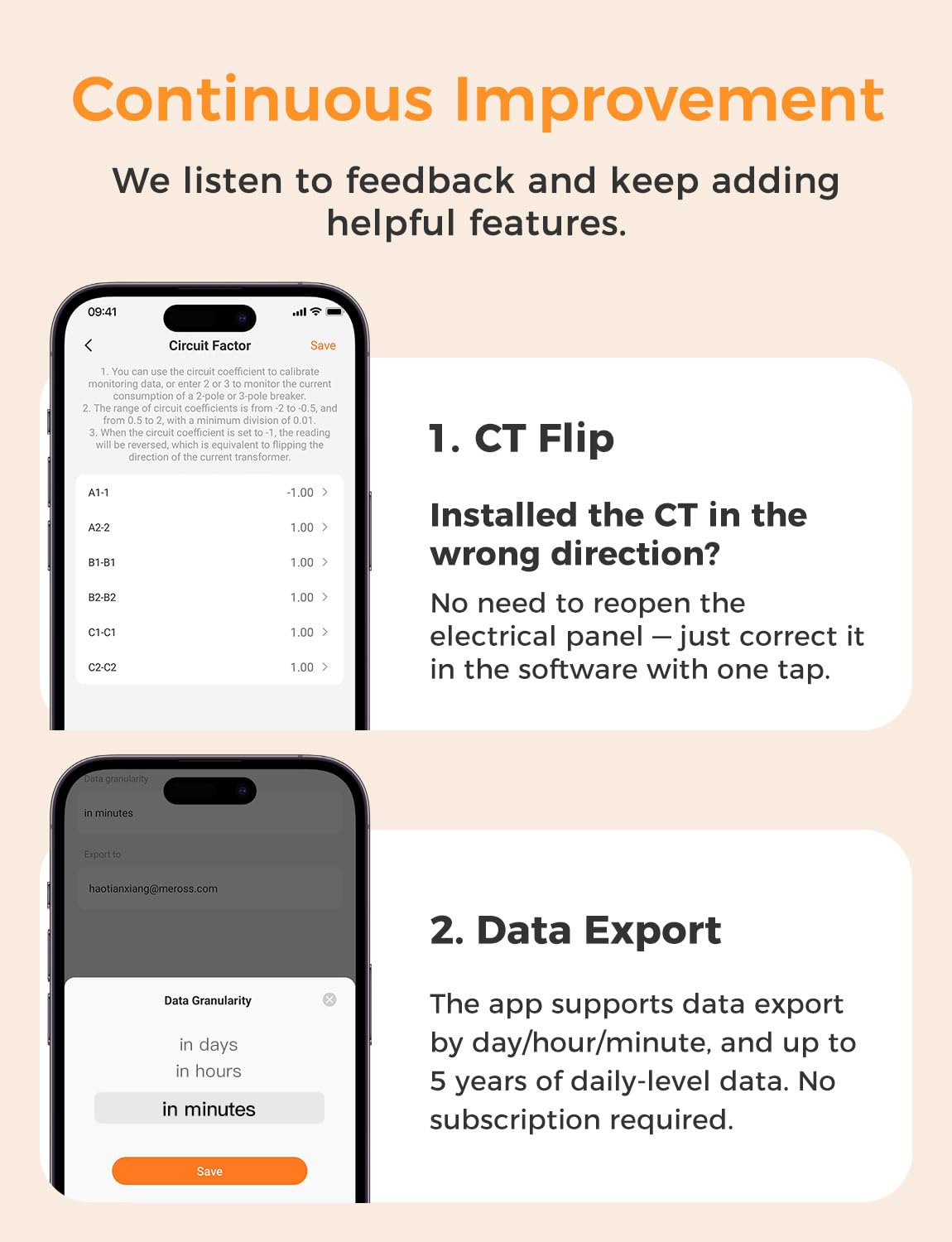
I have been trying out the Refoss EM16 Smart Energy Monitor for a while now, and I must say, I'm impressed. It was easy to install—good instructions and helpful online videos meant the whole process was simple and quick. Took about an hour to have everything up and running, and all plugged in to the Refoss app successfully. I like best that this product is so versatile and thoughtful in design. You can just plan and label your circuits ahead of time, and if a clamp is showing up in the negative direction, you can simply reverse it in the app without the need to rewire. If you require additional circuits to be monitored, you can bus their wires together into a CT so long as they're on the same phase. The application is simple to operate, giving real-time monitoring of all the circuits, and detailed energy history by day, week, month, or year. Home Assistant support is where this product really shines. EM16 auto-commands and provides complete local access to all the data of each circuit, enabling advanced automation without the cloud. Solar system owners will love Zero Feed-In Automation—putting extra solar energy to use powering devices such as EV charging points or water heaters rather than returning it to the grid. The recent firmware releases saw the addition of various useful features, including channel merging, export of CSV data, improved dashboards, and inverting CT readings in software. The releases show that Refoss is refining the product according to feedback from users. Overall, the EM16 is a wonderful, budget-friendly energy monitoring system—easy to install, full of data, and ideal for smart home residents as well as anyone wishing to gain better control of and track their home energy usage. Highly recommended.
T**M
I'm very happy with the EM 16. It does everything I was hoping it would. Install was easy. It took max 30 minutes once I got started. The app connected without issue. I installed all circuits as called out in the instructions but some circuits were showing negative power (as in energy flowing back to the grid) which was definitely not correct. I think that has more to do with my house but either way there are 2 ways to fix that. Either flip the clamp or set the power factor to -1 in the app which is essentially the same as physically flipping the clamp. The Home Assistant integration is great. There's almost no setup to connect it. The integration is native so when I added it to Home Assistant it connected itself to the EM16 without any additional inputs. Tips: - Install is really simple, power off to the whole house, connect the WiFi antenna, connect the power lead directly to a circuit, attached the clamps. - Do some planning before install. Consider which circuits should be monitored if you have more than 16. I wrote it out on excel first which made revisions before I started the install easy. It also made it easy to rename the circuits in the app after setup was complete - Mark the circuits you've planned on the breakers since the circuit numbers won't be visible when the panel cover is taken off. - There are 3 types of clamps, A, B, and C. A and B clamps need to be on different phases. C clamps need to adopt either the A phase or the B phase but they can't be on both. On North American panels, generally, each row of circuits (assuming the panel is oriented with the long edge vertically) is on a single phase. That means starting at the top of the panel and working down each row alternates phases. The photo with the panel cover is after the install. Apart from an antenna there’s no sign of the EM16.
W**Y
Having used this device for a few months, I finally feel comfortable writing my review. The product seems well designed, but lacks UL certification. I did get a bit of a shock when plugging in the Main sensors (A1 and B1), but after contacting support, I guess that can happen. I just need to be more careful. The app is helpful but it could be more intuitive. For example, the app doesn't let you keep a sort order of sensors and it can't send an alert if your amperage exceeds a certain level (which is my main interest). My hope was that I could use the sensor to ensure that I wasn't using my 100 AMP service above capacity and receive notifications if that was the case, but I've had to revise my expectations a bit. Overall the sensor is great and works well. I just wish it had some more features around notifications. Also, my electrical panel is pretty small, so I couldn't place the box inside the panel as the instructions indicated. However, it seems to be ok sitting outside of it. If you're looking for detailed information on what's using power in your house, this is good starting point.
S**Y
I self installed this on my 200amp panel and it works very well. Installation was straightforward as long as you’re comfortable doing work inside the panel (make sure the power is off!). It’s been really useful to see where unexpected power draws are coming from, such as a heater in one of my adult children’s rooms that I did not know about! Recommended for all who enjoy having details of what’s happening in their house.
C**.
I was pleasantly surprised by how easy this device was to install. The documentation is clear, well-structured, and provides all the necessary details to get started quickly. If you need extra help, there are also several installation videos available online, which can guide you step by step. Personally, I was able to complete the installation in about one hour without any major issues. It really is just a matter of following the instructions. Once the hardware is in place, all you need to do is download the Refoss app on your phone, and the setup takes just a few minutes. What I really appreciate is that it’s also compatible with HomeAssistant for those into home automation. It integrates smoothly and is very easy to configure. Overall, this product is extremely simple to install compared to other, much more complex solutions I’ve used in the past. Highly recommended for anyone looking for an easy-to-use smart energy monitor.
Trustpilot
1 month ago
2 weeks ago